Direct orders. Zero commission.
A marketplace takes a quarter of every plate and keeps the customer. MesaDash puts the ordering in the chat your customers already use, and the money in the account you already have.
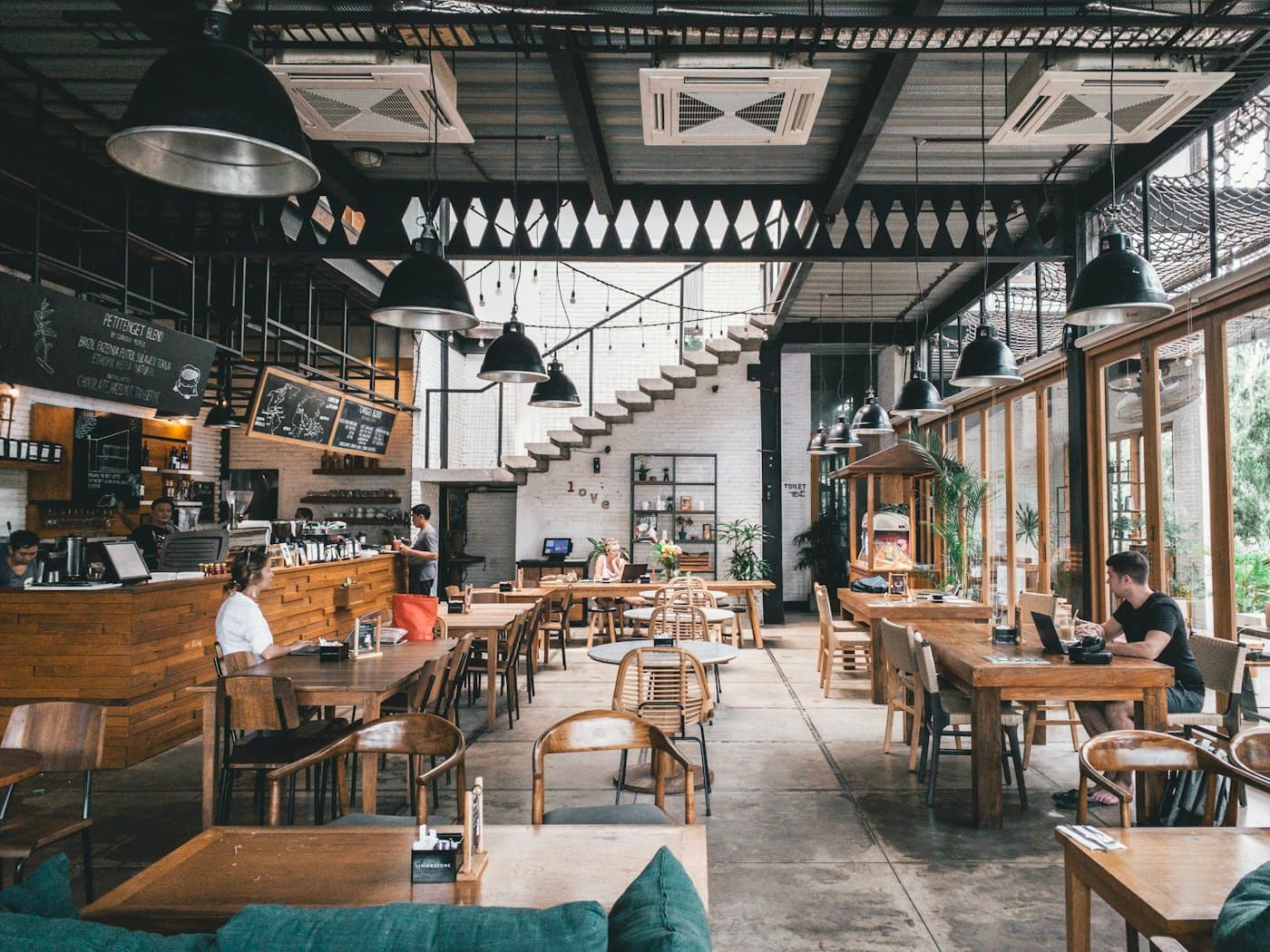
- No card required
- 0% of your sales
- Your payment account
- Multi-branch from day one
Every order on one board, whichever app it came from.
A WhatsApp order and an Instagram order are the same ticket in the same column. Branch, items, total and payment are already on the card, so nobody is squinting at a phone to read out an address mid-rush.
Service board
All branches · live
New
2 #1042₦8,900
Amaka O.
- 1× Jollof combo
- 2× Plantain
Lagos Island
 #1043₦14,400
Tunde A.
- 2× Egusi & pounded yam
Lekki
Preparing
1 #1041₦11,200
Grace M.
- 1× Pepper soup
- 1× Fried rice
Lagos Island
Ready
1 #1039₦19,500
Bola K.
- 3× Suya platter
Yaba
Moves with a tap
Accepted, preparing, ready, out: the status pushes back into the customer's chat as it changes.
Branch-aware
Each branch sees its own board. A Lekki order never lands on the Lagos Island line.
Riders on the card
Assign from the order and the customer gets the rider and the ETA without asking.
However they want to order.
Two ways to place the same order, with one menu behind both. Some customers will type; some want to see the food first. Neither is the wrong one, and both land in the same inbox.
Order without leaving the conversation.
The bot asks which item, which branch, delivery or pickup, the address and how they want to pay, then reads the order back before confirming. Someone who only wants to type never has to open anything.
Amaka Okafor
online
I want the jollof combo
Which branch would you like to use?
Would you like pickup, delivery, or dine-in?
WhatsApp· what your customer sees- Nothing to install
- No app, no account
- Collected by tap
- Branch, fulfilment, payment
- Confirmed
- Read back before it is placed
Or open the storefront on the web.
Every restaurant gets a live public menu at /r/[slug]. Customers browse photos, choose variations, add drinks and check out, with real delivery fees calculated per zone.
Mama Ngozi’s Kitchen
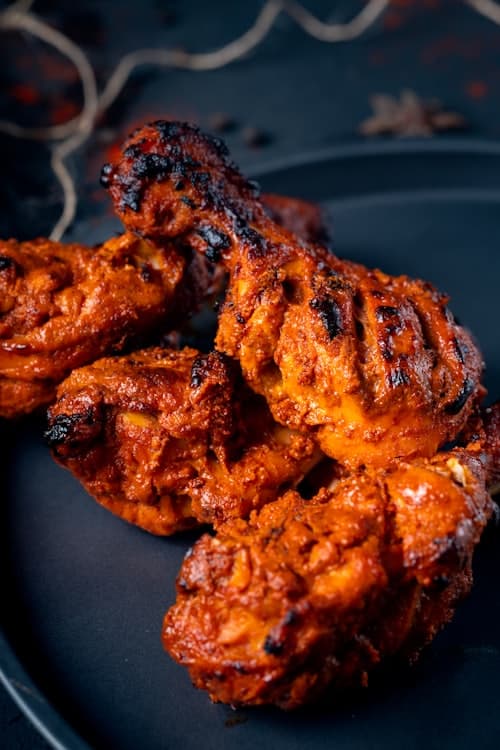
Grilled chicken & jollof
Serves 1 · 20 min
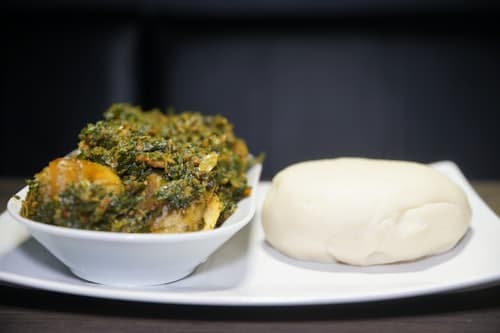
Egusi & pounded yam
Serves 1 · 25 min
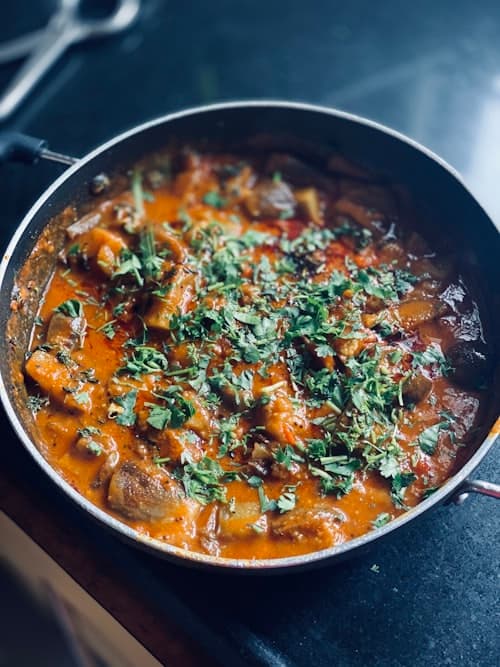
Goat meat pepper stew
Serves 1 · 25 min
- Live on your link
- mesadash.app/r/[slug]
- Visual menu
- Photos, notes, allergens
- Cart survives
- Reloads without losing dishes
Amaka Okafor
online
I want the jollof combo
Which branch would you like to use?
Would you like pickup, delivery, or dine-in?
WhatsApp· what your customer seesMama Ngozi’s Kitchen
Grilled chicken & jollof
Serves 1 · 20 min
Egusi & pounded yam
Serves 1 · 25 min
Goat meat pepper stew
Serves 1 · 25 min
It prints. On the thermal printer you already have.
An accepted order becomes a structured ticket on the pass, not a message someone has to transcribe. Switch on auto-print and the remote print agent, running on a machine in the restaurant, puts the same order record the board is showing onto the counter printer.
- Prints on
- Order accepted
- Carries
- Items, totals, branch, address, rider
- Paper
- 58mm or 80mm, copies set per branch
- Handwritten by staff
- Nothing
MAMA NGOZI’S
Lagos Island branch
Amaka O. · WhatsApp
Delivery · 14 Adeola Odeku
** PAID · PAYSTACK **
Rider: Sola A.
One menu. Each branch shows only what it can cook.
Load categories, variants, photos and prices once, then assign each item to the branches that can actually make it. An item you have not assigned to a branch does not appear in that branch’s menu, in the chat or on the storefront. Mark something unavailable and it drops out of both at once.
- Variants with their own prices
- Assign items branch by branch
- Several photos per item
- Delivery fees and hours per branch
Your riders. Your zones. Your fees.
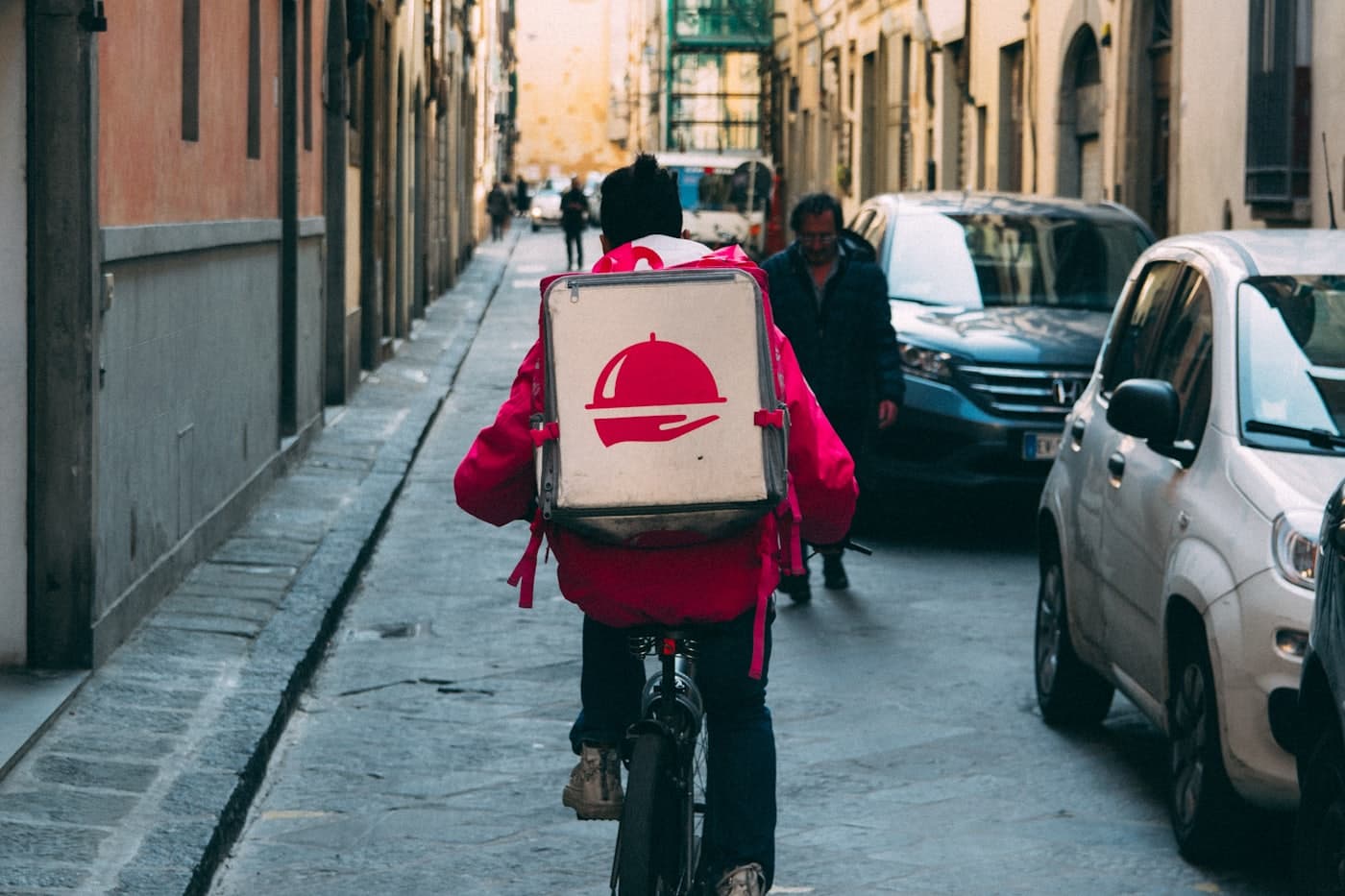
Delivery zones carry their own fees and minimums, and you assign the rider from the order itself. Status pushes back into the customer’s chat as it changes, so nobody rings the restaurant to ask where the food is.
- Zone fees and minimums
- Rider assignment
- Live status in the chat
- Self-serve status checks
The parts that never make a demo.
Small things, and the reason a kitchen still uses this on a Friday night.
Paste your menu in
Drop the text of your existing menu and it is read into categories, items and prices. Rules do the straightforward lines; a model picks up the ones they miss. You correct rather than type.
Riders get their own app
An installable app at its own address: riders add it to the home screen, see their assigned drops and mark them delivered. No dashboard login and no group chat.
A tracking link per order
Every order has a public page the customer can open to see where it is, so “where is my food” stops arriving in the inbox at all.
It makes a noise
New orders ring on the counter screen. A busy kitchen does not watch a browser tab, so the board tells you when something lands.
Numbers against last week
Orders, revenue and averages for the range you pick, compared with the range before it. Growth is the only version of a number worth reading.
Transactions you can reconcile
Every payment listed against the order it belongs to, per provider and per branch, so the books match the till without a spreadsheet.
Up to 30% of every order, before you see it.
That is what a delivery app’s top plan keeps. MesaDash charges a flat subscription and takes none of your sales, and the payment settles into the provider account you already have.
30%
delivery app, top plan
0%
on MesaDash
Paid through your own provider, every time:






What restaurants ask first.
Do I have to type my menu in again?
No. Paste the text of your current menu and it is read into categories, items and prices. You check and correct it rather than typing it out.
Can customers order delivery, pickup and dine-in?
Yes. The customer chooses when they order: delivery uses your zones and fees, and a dine-in order can carry a table number.
How does an order get to the customer?
Your riders use their own app to see the orders assigned to them and mark each one picked up and delivered, and the customer gets a tracking link for the order.
Will the kitchen notice a new order?
Yes. New orders ring on the counter screen and land on the kitchen board.
Can customers pay online?
Yes, through your own Stripe, Paystack, Flutterwave or OPay account, or by bank transfer or cash. The money goes to you, and MesaDash takes no commission.
I have more than one branch. Does that work?
Yes. Each branch has its own menu, prices and delivery zones, and an order goes to the branch that will make it.
Live this afternoon.
- 1
Connect a channel
WhatsApp through Meta Tech Provider infrastructure, or Instagram, Messenger and Telegram. Your existing number stays yours.
- 2
Load the menu once
Categories, variants, images, prices, branches and delivery zones. The storefront and the chat both read from it.
- 3
Open the inbox
Orders arrive with the customer, the branch and the payment already attached, and print in the kitchen.